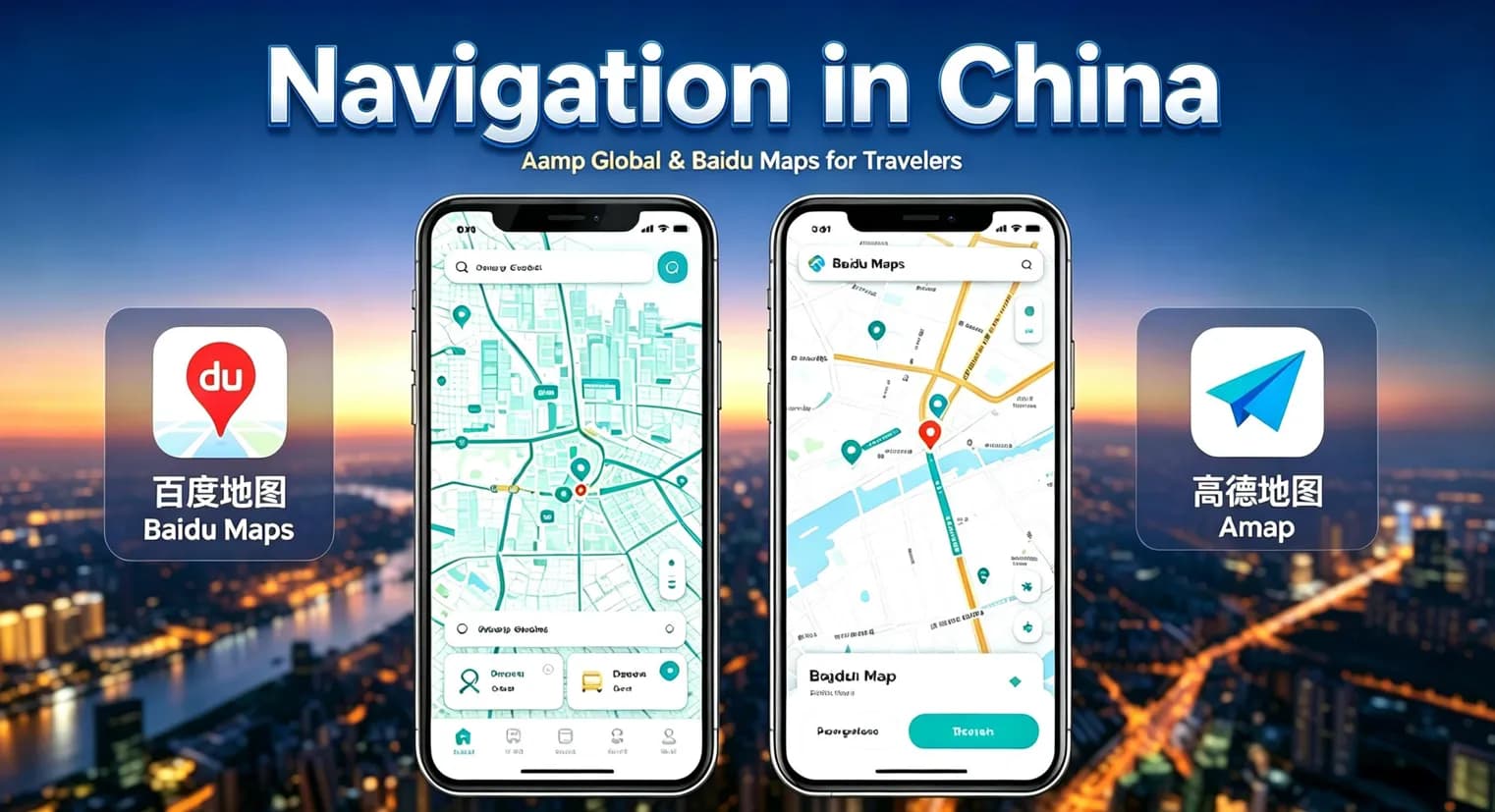
Navigation in China: How to Use Amap & Baidu Maps Without Chinese
Planning to travel around China but don't read Chinese? Navigation can look intimidating at first, especially when many local map apps are designed primarily for Chinese users.The good news is tha
Planning to travel around China but don't read Chinese? Navigation can look intimidating at first, especially when many local map apps are designed primarily for Chinese users.
The good news is that you do not need to speak Chinese to use China's major navigation services. Amap (Gaode Maps) now provides an English-focused experience for international travelers, while Baidu Maps has also introduced English map and navigation capabilities for mainland China.
The trick is knowing which app to use, how to search for places, and what to do when an English name does not produce the right result. This guide covers English settings, searching Chinese addresses, walking/transit navigation, taxi pickup points, and practical backup strategies.
If you are an international visitor, start with Amap Global. Its App Store listing positions it as a China travel navigation app with hotel routing, taxi and transit planning, bilingual help cards and travel-focused features.
Many international travelers arrive expecting to use the mapping workflow they use at home. This often creates problems.
For everyday navigation in mainland China, local platforms like Amap and Baidu Maps perform far better. They hold detailed local map data, points of interest, addresses, public transit schedules and native navigation services.
For foreign visitors, the main hurdle is language. A location may have an English name, Chinese name, Chinese address, translated address, and a map pin — and the pin is frequently the most reliable reference. Understanding how these work together will save plenty of frustration.
Both are major Chinese mapping platforms, yet they deliver different experiences for international tourists.
| Feature | Amap | Baidu Maps |
|---|---|---|
| English experience | Yes | Yes, mainland English map & navigation |
| Walking / Driving / Transit navigation | Yes | Yes |
| Place search (Chinese & English) | Yes | Yes |
| Tourist-friendly | Strong primary option | Useful backup |
| China travel features | Extensive | Extensive mapping |
Amap Global is explicitly built for China travelers, including hotel routes, taxi booking, transit planning and bilingual help cards.
Baidu’s official documentation confirms its mainland English map service supports map display, navigation, place search, reverse geocoding and route planning, covering walking, cycling, driving and public transport across 346 cities.
Recommendation: Install Amap before your trip, keep Baidu Maps ready as a backup if you struggle to locate specific spots.
1. Install Amap Global Before Your Trip
On iPhone or iPad, download Amap Global from the App Store. The developer is AutoNavi Information Technology Co., Ltd., with English listed as a supported language.
Set up the app before departure: complete sign-in if required, enable location permissions, test searches for your hotel and walking routes, save destinations and get familiar with the interface. Do not wait until arrival to configure everything.
2. Search for Places
Start searching using the English name for landmarks, hotels, airports, train stations and well-known businesses.
That said, not every venue maintains an accurate English listing.
Core rule: English search is convenient, but the Chinese name is your most reliable backup.
What to Do When English Search Fails
If searching the English name returns no useful result, the venue is most likely registered under its Chinese name, Chinese transliteration, mall name, nearby landmark or branch name.
Best solution: Prepare the Chinese name in advance.
Save the Chinese name of hotels, restaurants, stations, attractions and museums in your notes. You can paste it directly into the search bar.
The Most Useful Trick: Save the Location Pin
Chinese addresses can be hard to parse. A saved map pin avoids confusion.
Save pins for your hotel, airport, railway stations, attraction entrances, restaurant reservations and meeting points. Even if search fails later, you still have a visual reference.
Walking Navigation
Select the walking option after entering your destination. Monitor estimated time, route direction, major roads, metro stations and crosswalks.
Do not only follow the blue route line. In dense cities, your destination may sit inside a large complex, requiring an extra 5–10 minute walk through shopping malls, underground tunnels, residential compounds or station buildings. Zoom in and confirm the correct entrance if the route looks odd.
Metro Navigation
Select public transit mode to view metro lines, transfer points, walking segments, bus connections and estimated trip times.
The biggest pitfall is station entrances. Major stations in Beijing, Shanghai, Shenzhen and Guangzhou have many separate exits. Always check the exit number against your destination before leaving the station.
Baidu provides official English map services covering roads and POIs across mainland China. Its English navigation supports walking, cycling, driving, public transport, English search and route planning.
Important caveat: Baidu’s English map capability does not mean every part of the app will be fully translated like Western navigation tools. Be ready to use Chinese place names alongside English navigation.
Search Workflow
If English search fails, find and paste the Chinese name.
Examples:
The Forbidden City → 故宫
Great Wall → 长城
Tiananmen Square → 天安门广场
Shanghai Tower → 上海中心大厦
Beijing Railway Station → 北京站
Shanghai Hongqiao Railway Station → 上海虹桥站
Shanghai Pudong International Airport → 上海浦东国际机场
You do not need to learn Chinese; simply copy and paste the correct characters.
Use three tools together: Map app → Translation app → Screenshot.
1. Search destination in English
2. If no result, get the Chinese name
3. Paste it into Amap / Baidu Maps
4. Save the pin and take a screenshot for important locations
This workflow removes most language barriers.
Drivers often do not recognize English venue names. Instead of saying the English hotel name, show them the Chinese name, full Chinese address or saved map pin. A screenshot with the Chinese name, address and pin works best.
When booking rides, double-check the pickup zone. Airports, stations and malls have dedicated pickup points that may not match your current position. Confirm entrance, landmark and vehicle plate number before confirming your trip.
China’s high-speed rail network is vast, and station names are easy to mix up: Beijing South ≠ Beijing Station; Shanghai Hongqiao ≠ Shanghai Station ≠ Shanghai South Station.
Always copy the exact Chinese station name printed on your train ticket and search that in the map app. This avoids one of the most common travel mistakes.
Chinese addresses follow a different structure: province, city, district, road, number, building, floor, room. You do not need to translate every character. Focus on the destination name and map pin. Save both the hotel’s Chinese name + address and its location pin for reference.
Does Amap work in English?
Yes. Amap Global has an English interface built for international travelers. Some small businesses will still only show Chinese names, which you can search by copying their Chinese characters. Amap is the international brand for Gaode Maps, operated by AutoNavi.
Can foreigners use Baidu Maps?
Yes. Baidu provides English mapping and navigation for mainland China. Test the app before travel, as some features may not be fully translated.
Do I need to learn Chinese to navigate China?
No. Combine English navigation, Chinese place names, translation tools and map pins to get around.
What if I cannot find a place in English?
Search its Chinese name instead.
Should I save my hotel’s Chinese name?
Absolutely. It helps with taxi drivers, directions and map searches.
Can I use Amap for walking directions?
Yes, Amap Global supports walking navigation for travelers.
Can Baidu Maps provide English navigation?
Yes, its official English navigation covers walking, cycling, driving and public transport.
1. Only searching in English → Solution: Search using Chinese name when English results fail
2. Treating the map pin as the entrance → Solution: Zoom in and locate building entrances
3. Mixing up similarly named railway stations → Solution: Copy station name directly from your ticket
4. Showing taxi drivers only the English name → Solution: Show Chinese name or map pin screenshot
5. Installing apps only after arrival → Solution: Install, test and save locations before departure
6. Relying on one single navigation app → Solution: Use Amap as primary, keep Baidu Maps as backup
Before trip
Install Amap Global + translation app; save hotel Chinese name/address, major attractions and train stations; test walking routes; screenshot critical locations.
During trip workflow
English search → Switch to Chinese name if needed → Save map pin → Navigate → Keep screenshot backup
Practical Example: Finding a Shanghai Restaurant
Suppose you find “ABC Restaurant” online with an English address. Searching the English name returns nothing.
1. Find the restaurant’s Chinese name
2. Copy and paste it into Amap
3. Cross-check address and neighborhood
4. Save the location and test walking route
5. Screenshot the result
If multiple branches appear, verify addresses before selecting.
You don’t need to master Chinese to navigate China confidently.
1. Install Amap Global before travel
2. Keep Baidu Maps as backup
3. Try English search first, switch to Chinese names when needed
4. Save locations instead of re-searching repeatedly
5. Always keep your hotel’s Chinese name and address handy
6. Double-check railway station names
7. Look for entrances, not just map pins
8. Screenshot important routes
9. Do not rely fully on one app or mobile connection
Once you master this workflow, exploring Beijing, Shanghai, Guangzhou, Shenzhen, Chengdu, Xi’an and Hangzhou becomes straightforward.
Last checked: September 2026. App interfaces and language availability can change, so verify the current version of Amap or Baidu Maps before your trip.
Your journey, simplified
How We Work
From the first idea to the final day, every detail is handled with care.
Share your travel ideas
Tell us where you want to go and what you enjoy.
Meet your travel advisor
We shape a personal itinerary around your priorities.
Confirm your journey
Review every detail and reserve with confidence.
Travel with support
Our team stays available throughout your trip.
Travel expert
Contact Your Travel Specialist
Get practical advice from a local specialist and turn this route into a trip that fits you.
Start planningRelated Articles
Swipe to explore